
Course Overview
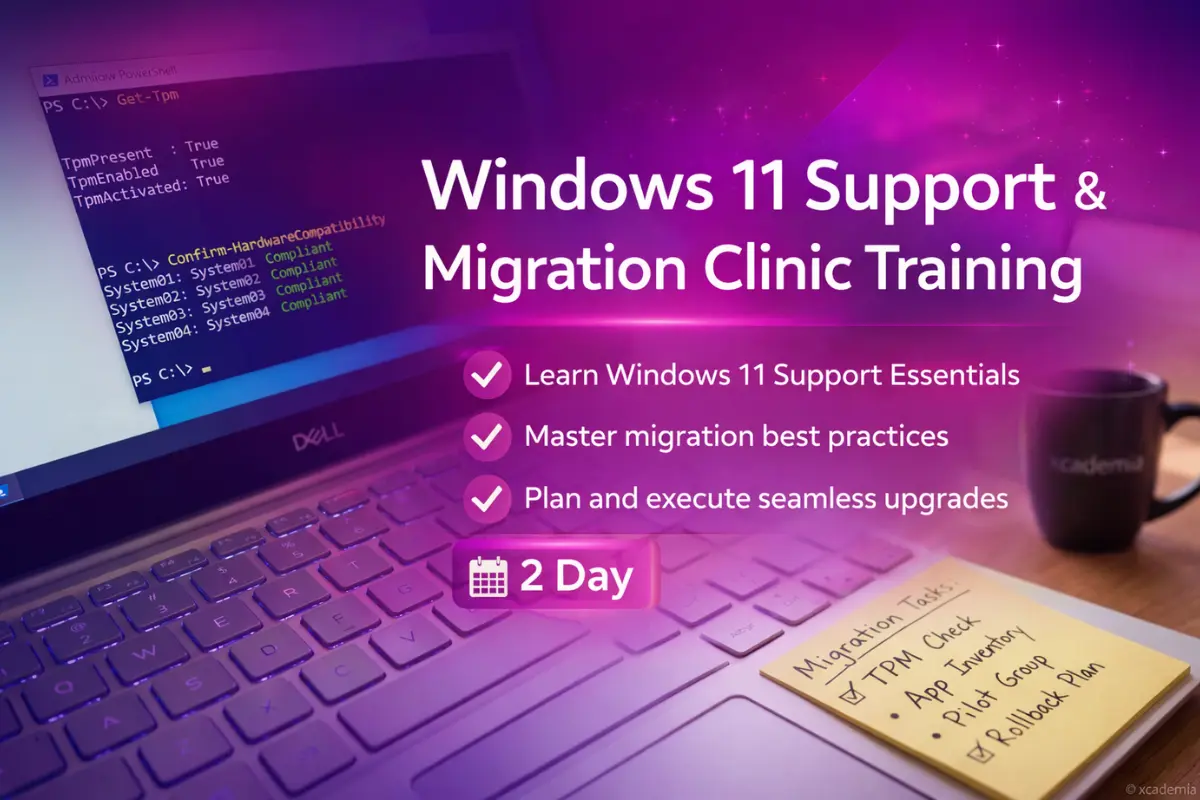
Windows 11 Support & Migration Clinic is a fast, hands-on programme for IT teams and support professionals who need to stabilise, support, and migrate to Windows 11 with minimal disruption. You will focus on the realities of device readiness, user impact, compatibility, and post-migration support.
Delivered in a mentor-led format, the clinic uses practical scenarios that mirror real service desk and desktop engineering work. You will learn how to assess readiness, reduce risk, plan migrations, and troubleshoot the issues that commonly appear during and after cutover.
Across two intensive days, you will leave with a clear migration runbook, support checklists, and a practical approach to diagnosing Windows 11 incidents quickly. Aligned with recognised best practices including ISO, GDPR, NIST and SOC 2, ensuring skills remain practical and deployable in real organisations. All prices are exclusive of VAT (where applicable). Group enrolments and custom packages available.
Hands-On Learning
Migration planning drills, troubleshooting labs, and scenario simulations using ticket-style workflows
Mentor-Led Sessions
Live mentor-led clinics with guided fixes, root cause training, and Q&A on your real-world blockers.
Career-Ready Skills
Role-ready runbooks for readiness checks, cutover, rollback, and post-migration stabilisation.
Learning Outcomes
Design a phased Windows 11 migration runbook.
Analyse readiness blockers across devices and apps.
Implement practical cutover and rollback controls.
Lead hypercare triage with clear escalation paths.
Communicate user impact and support guidance.
Evaluate post-migration incidents using evidence-based methods.
Prerequisites
Basic Windows desktop familiarity
Experience supporting end users
Confidence following runbooks
Detailed Syllabus
Step-by-step learning journey from basics to professional practice
Topics Covered
- Clinic goals, environment overview, and support workflow expectations
- Evidence capture: logs, screenshots, steps-to-reproduce
- Migration mindset: minimise disruption, maximise control
Skills You'll Gain
Master these in-demand skills through hands-on practice
Career Progression
A clear view of the roles this programme supports, what typically comes next, and where learners progress over time
Ways to Learn
Choose the learning format that works best for you and your team
Live Online
Instructor-Led Training
Join live instructor-led sessions from anywhere. Interactive, engaging, and flexible.
- Live instructor interaction (real-time)
- Trainer-led walkthroughs and real examples
- Guided resources and session notes provided
- Structured Q&A and practical discussion
Price per person
Group enrolments and early planning options available.
All prices are exclusive of VAT where applicable. Group enrolments and custom packages available on request.
Prefer a Faster, Personalised Route into IT?
Not everyone learns best in a group. If you want focused guidance, faster clarity, and confidence you can use on the job, our 1-to-1 Fast-Track Training gives you private, mentor-led support tailored to your experience and goals.
"Many learners choose 1-to-1 when they want understanding, not memorisation."
Exam & Certification Information
Everything you need to know about the certification exams
Important Information
You will receive an Xcademia certificate of completion based on participation and successful completion of clinic labs and scenario simulations.
Credential
Certificate of Completion
On successful completion of Windows 11 Support & Migration Clinic, learners receive an Xcademia Certificate of Completion. This standalone certificate is issued directly by Xcademia and is aligned with globally recognised frameworks and best practices.
Frequently Asked Questions
Everything you need to know about this course
It is designed for both. Support teams gain practical troubleshooting and triage, while engineers gain rollout structure, runbooks, and stabilisation practices.
Ready to Start Your Learning Journey?
Take the next step in your professional development